
Free loyalty program and back office for retail
Busy all month and still short, because the best sellers earn the least.
A shopper may buy from you twice a year. In between, nothing reminds them your shop exists.
Short answer
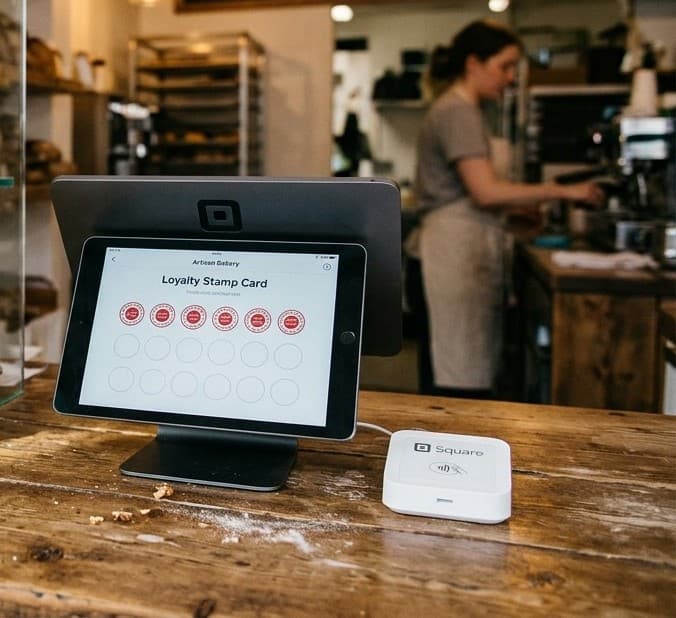
Is there a free loyalty app for a shop?
Long gaps between visits
A good first sale, then nothing
Small stores sell things people do not need every week.
A gift shop customer may come back at the next birthday or holiday.
With no name or email, each visit starts from zero.
And a store can be busy all month while its best sellers earn the least.
60
days, then Slipping away
Store visits sit far apart. KANJIN waits 60 days before a shopper shows under Slipping away. A normal gap is not a goodbye.
Stamp card
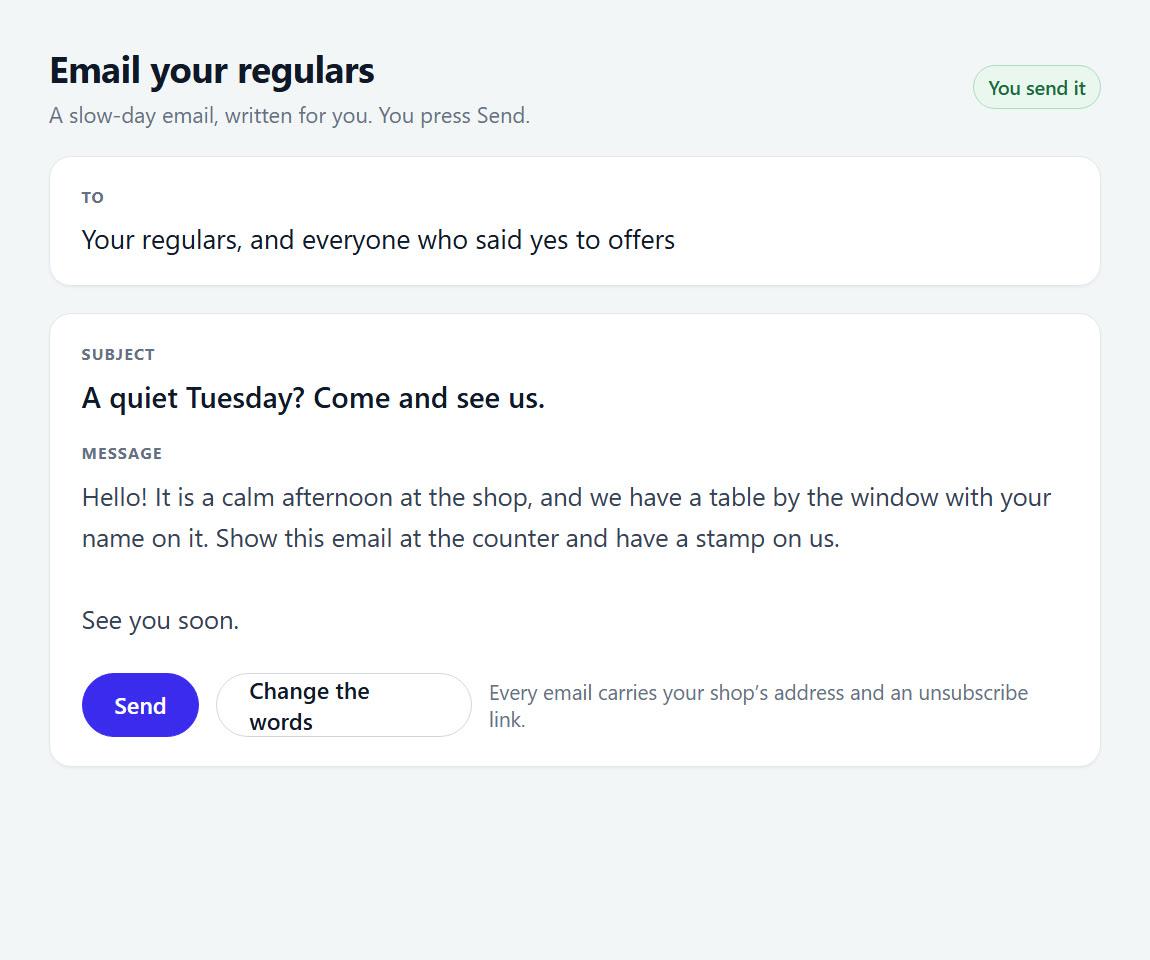
A short card for rare visits
5 stamps earn a small gift or $10 off the next purchase.
Five visits is reachable for someone who shops every couple of months.
Stamp once per visit, not per dollar, so the counter stays quick.
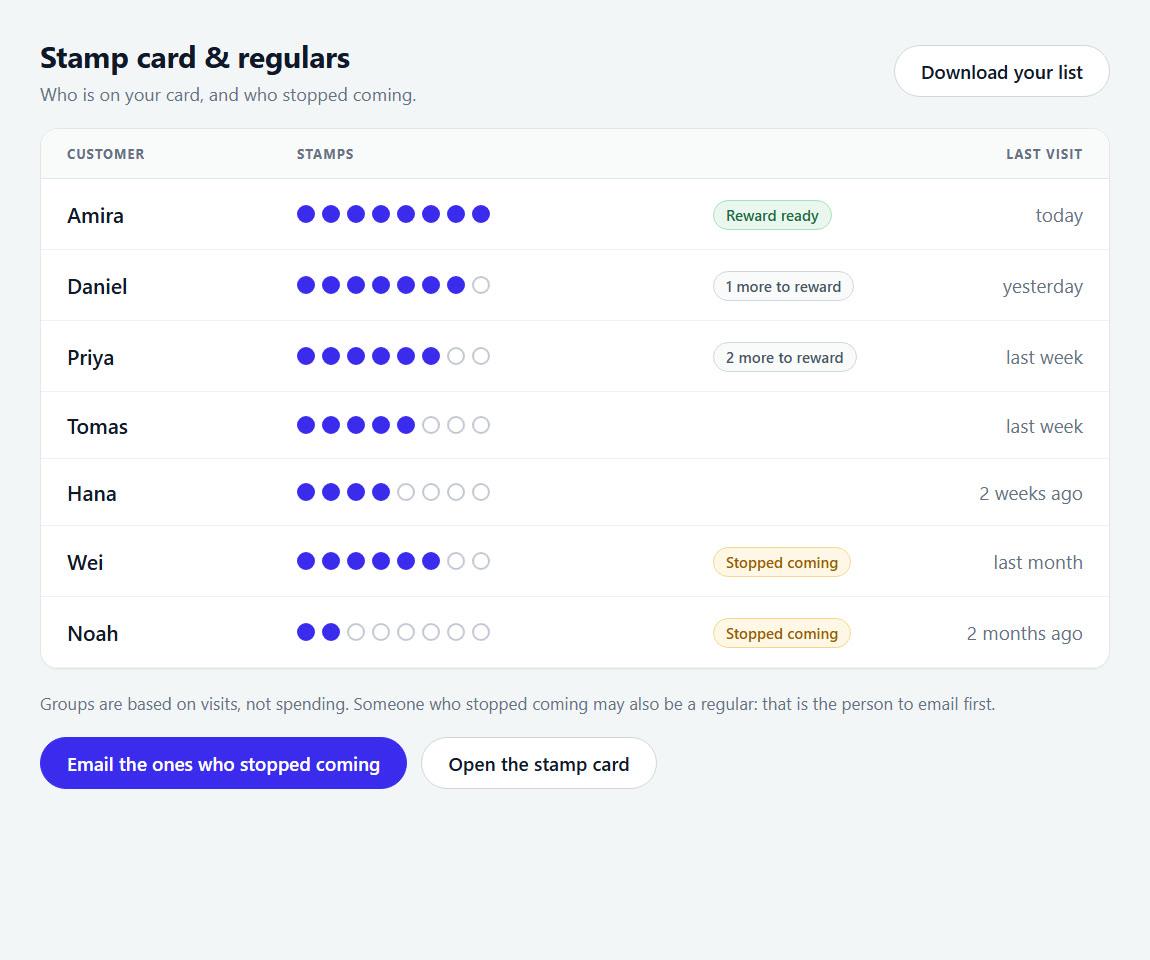
Ask for an email at the first stamp, with a clear yes. That is how you reach shoppers between visits.
Free calculator
Which products earn, and which only sell?
Busy is not the same as profitable. Enter each product’s price, cost and weekly sales. The sample rows are a restaurant menu, so type your own products over them.
Earns you the most
Protect these. Feature them, never discount them.
- 1Ribeye SteakTop earners · $26.00 each$2,210
- 2Truffle PastaTop earners · $18.00 each$2,160
- 3Signature BurgerPopular, low profit · $9.00 each$1,890
Earns you the least
Reprice, rework or cut them, unless they bring people in.
- 1Garden SaladLow on both · $6.00 each$240
- 2Lobster RollProfitable, rarely sold · $24.00 each$720
Top earners
2Keep these. Put them at the top of the menu or list. Ask staff to recommend them. Never put them on discount.
Ribeye Steak, Truffle Pasta
Popular, low profit
1People already buy these. Raise the price a little, or cut the cost. A small change earns a lot here because you sell so many.
Signature Burger
Profitable, rarely sold
1These earn well but few people order them. Show one more clearly on the menu, give it a better name, or sell it together with a popular item.
Lobster Roll
Low on both
1Cut these, unless they do another job. For example a kids option, a vegan option, or the thing a regular always orders.
Garden Salad
We split the chart at the median (middle value) of the items you entered, not an industry average. So half your items will always land on each side. We use the median because one big seller would pull the average so far that every other item looked the same. Cost means ingredient cost only. Labor and overhead are not included.
An example
Two best sellers on one shelf
Candles sell 60 a week at $18, and cost you $11 each.
Notebooks sell 15 a week at $24, and cost you $8 each.
Candles earn $7 each, or $420 a week.
Notebooks earn $16 each, or $240 a week.
The candle wins on volume. The notebook earns more than twice as much per sale, so it deserves the better shelf.
Shop owners usually ask
“My POS already offers a loyalty add-on.”
Check what it costs per month or per visit. The KANJIN stamp card has unlimited customers on the free plan. It works next to any POS, with no connection.
“Shoppers will not hand an email to a store.”
Some will not, and that is fine. Those who do usually want to hear about new stock. Ask once and never force it.
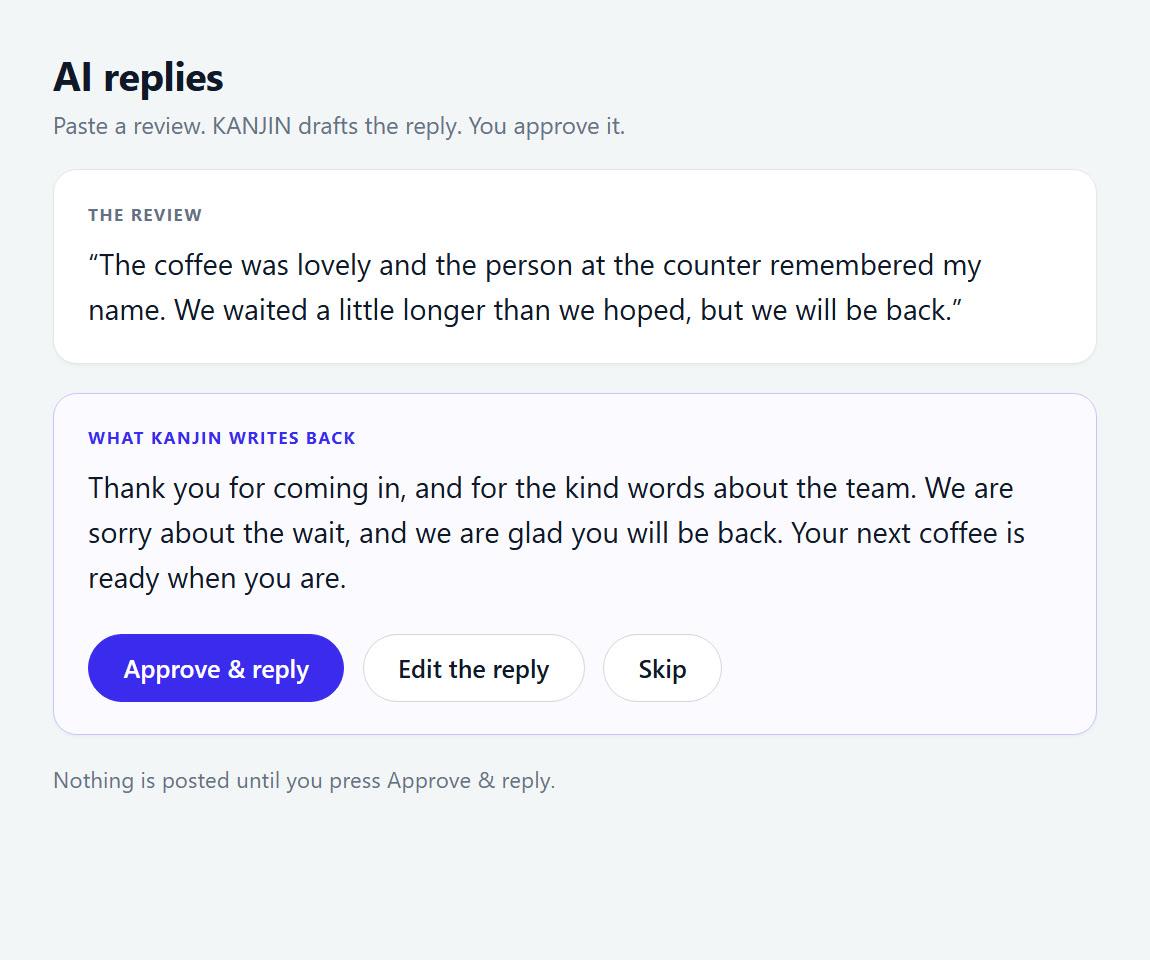
“Where is the customer list kept?”
In your KANJIN account, on every device you sign in on. Your customers’ data is yours. We never sell it, never email anyone without their yes, staff see only what you allow, and you can delete everything.
See it at a counter
Watch “How to Make a Free Digital Stamp Card for Your Shop (No App Needed)” on YouTube
Retail questions
- How do I turn one-time buyers into repeat customers?
- First, get a way to reach them. A stamp card collects a phone number, and an email if they agree. Then tell them when new stock arrives.
- Can I export my store’s customer list?
- Yes. Settings has one press for a spreadsheet with phone, email, consent, stamps and visits. No permission is needed.
- How long before a retail customer counts as gone?
- KANJIN uses 60 days for a shop. A month away is normal for most stores. After 60 days, a short note about new stock is reasonable.
Also worth a look
Sales analyzer
Upload a sales export and see your best days and weekdays.
Discount ROI
Check what a seasonal sale costs before you mark anything down.
Stamp card
Print paper cards that match the digital one.
Put a stamp card on your shop counter this week
Type your email and the form opens with it filled in. Nothing is sent from here.
No card, no time limit. Or open the form empty.