
How it works
Three steps to a working stamp card
About ten minutes, nothing to install, and no card details. Customers join with a phone number — there is no app for them to download and nothing to lose in the wash.
- STEP 1about 2 minutes
Name your shop
Your shop name goes on the card, the poster and every email. Your country sets the phone format and the rules we follow when we email your customers.
- STEP 2about 2 minutes
Choose the reward
How many visits fill a card, and what a full card earns. Your kiosk, your counter and every customer’s card page all say the same thing.
- STEP 3about 5 minutes
Print the counter poster
Put it where people pay. A customer scans it, types their phone number, and they are on the card. No app to download and no plastic card to lose.
KANJIN opens on one screen, Today, which greets you and lists the next thing worth doing. Everything else is five sections beside it — Today, Counter, Money, Grow and Settings, down the left on a computer and along the bottom on a phone. Press one and the screen you pick opens in a panel next to your cards, so you never lose your place. What Today shows, screen by screen.
After that, four more rows are worth doing when you have a minute: your Google review link, which turns on the 20 free review requests a month; your shop’s numbers; your list of items; and inviting the people who work there. None of them stands between you and a working card.
The same three steps, on the real screens
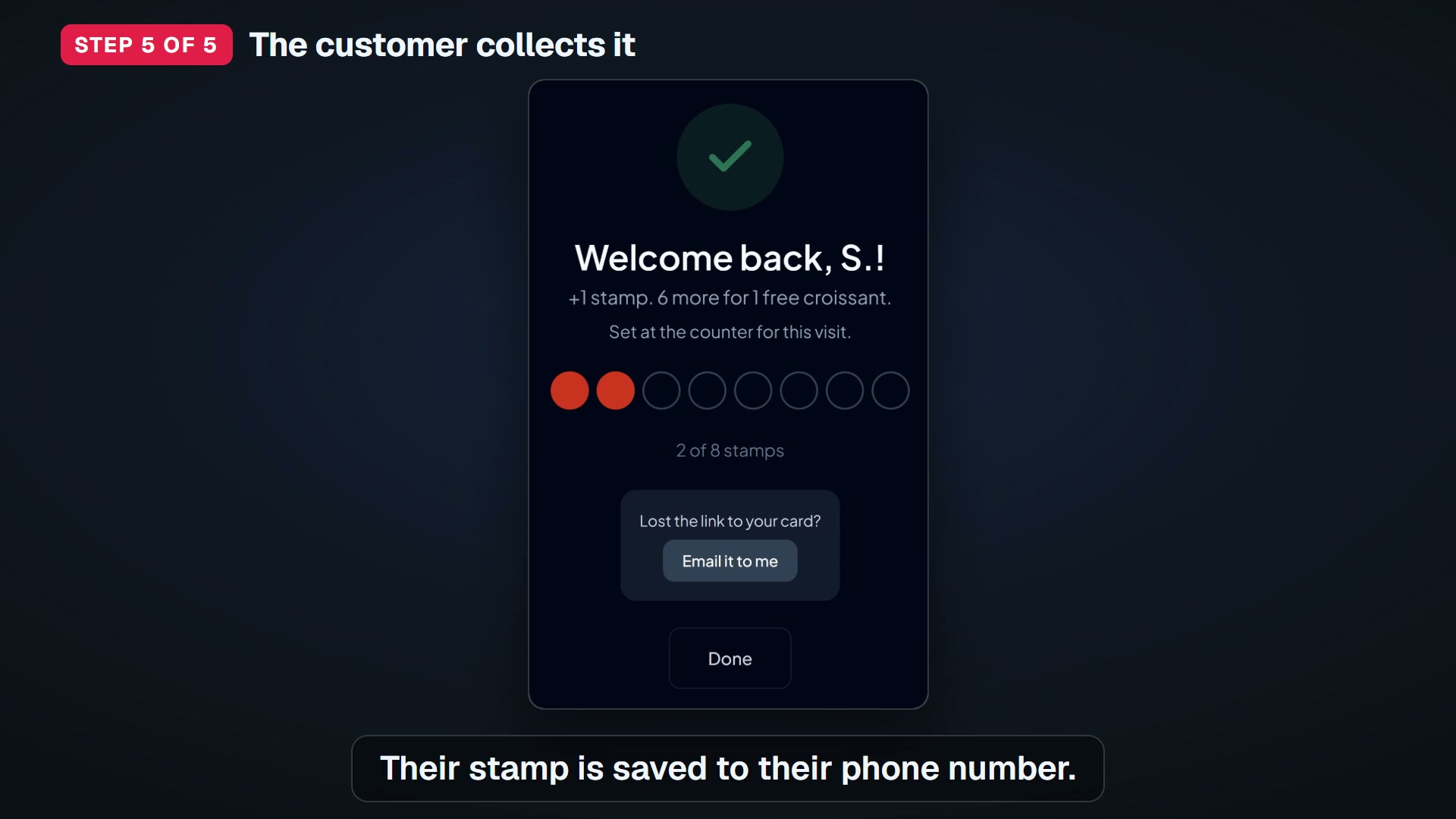
Watch “Your free stamp card at the counter: set up, print and give a stamp” on YouTube
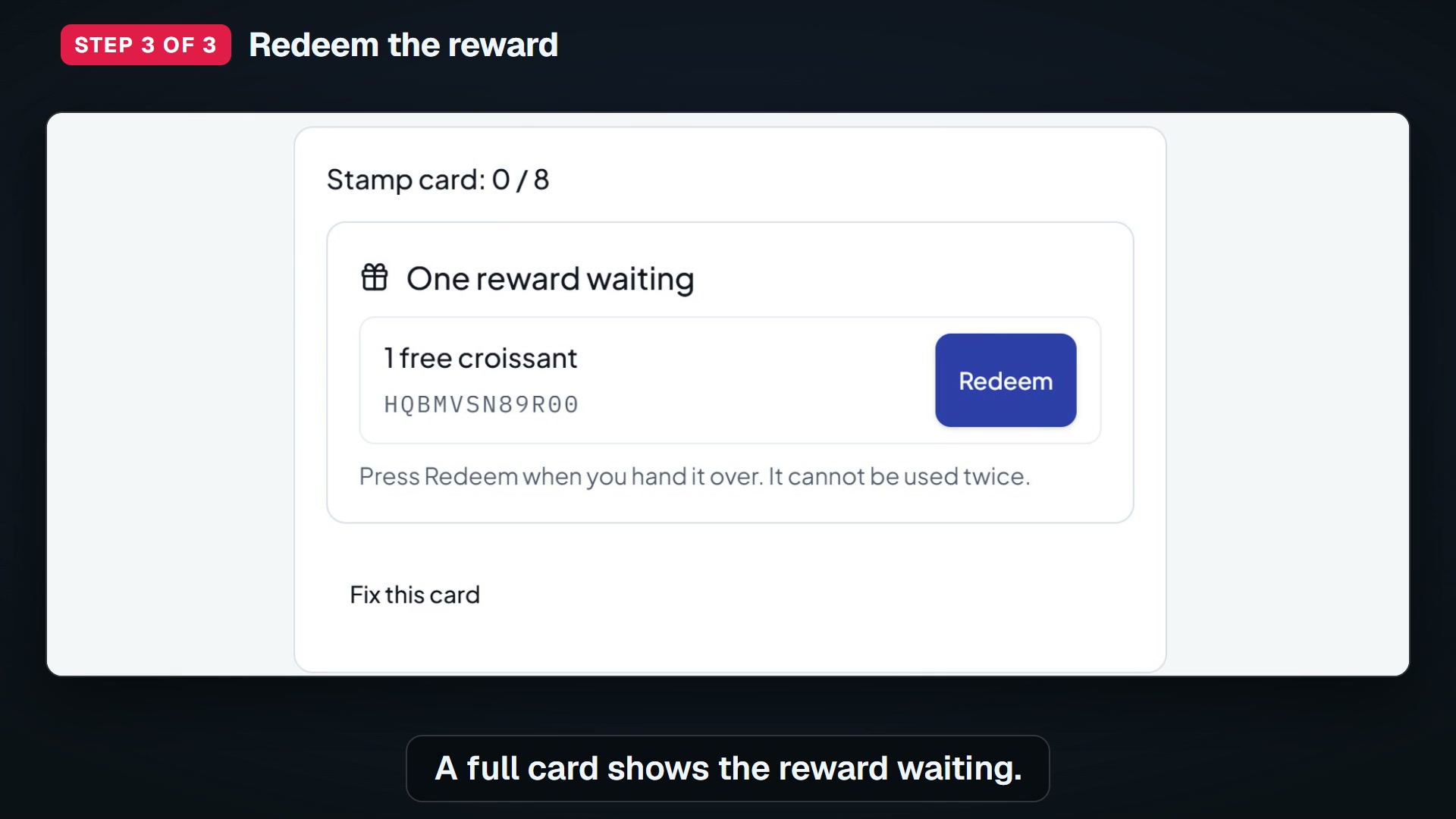
Watch “Redeeming a full stamp card” on YouTube
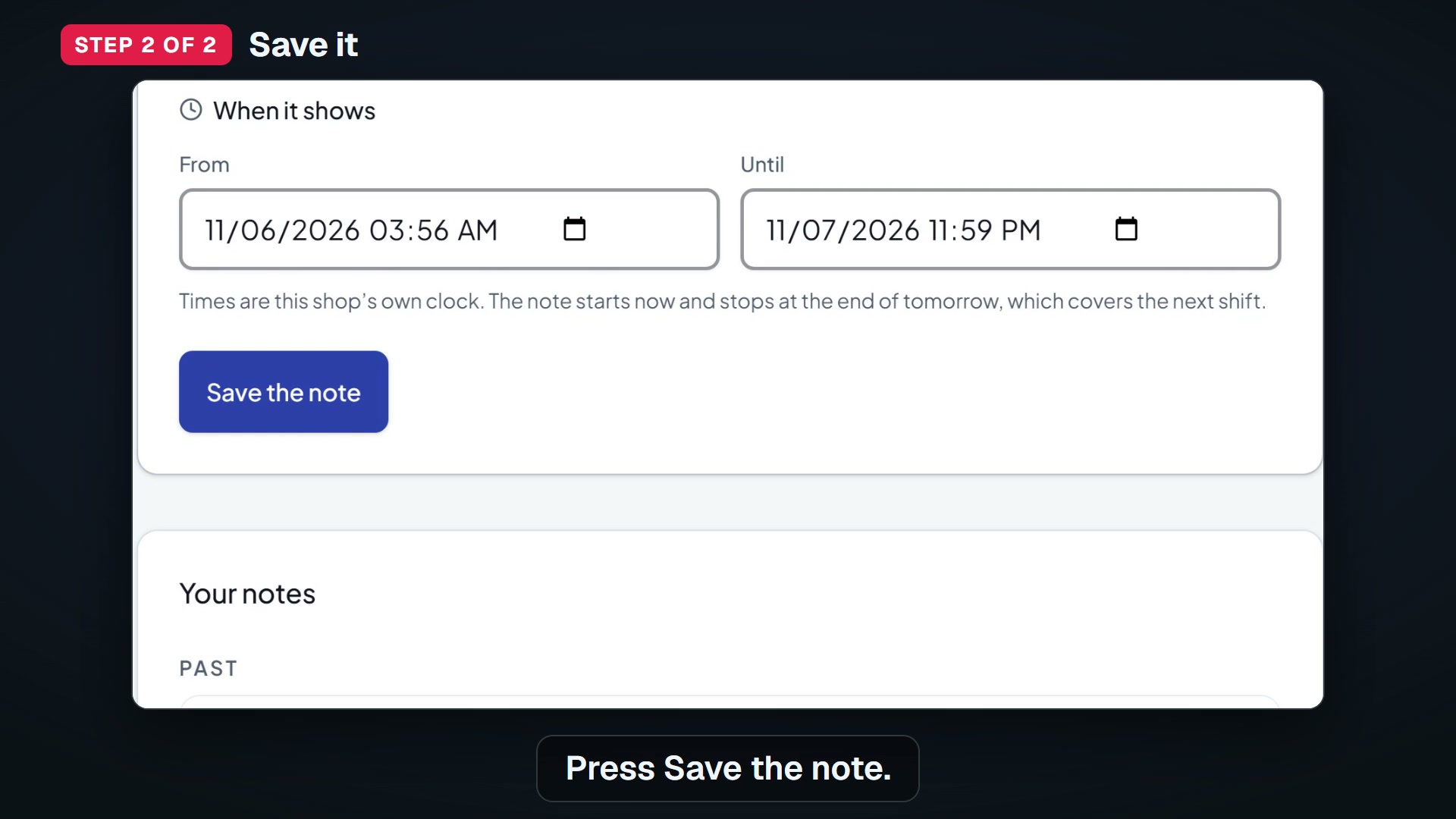
Watch “Shift notes: a message for the next shift” on YouTube
Put your stamp card on the counter this week
A discount cuts the price for everyone who would have paid anyway. KANJIN emails your regulars only on the days you need them, and finds local creators you can invite.