
You have been open for a few weeks, or a few years. Regulars come in. You know many by face, some by name, and a few by their order. Then one slow Tuesday you want to tell them something: a new item, a day you are closed, a small thank-you. And you find you cannot reach a single one of them.
The customers are real. The list is not. This guide shows you how to start a customer list for your shop this week, for $0, whether you have a POS, a website and an Instagram page, or none of them.
The short answer
Collect one thing from every customer: a phone number. Ask for it at the moment they get something back, such as a stamp. Ask them to tick a box if you may also email them. Keep the list in a place that belongs to you, not inside your POS. Then use it for small, useful messages, not for noise.
Key Takeaways
- Start with one field, a phone number. Names and emails can come later.
- Ask for it when the customer gets something in return, like a stamp. That is why they say yes.
- Email is a separate yes. A box the customer ticks themselves, and a clear way to stop, keeps you on the right side of your customers.
- Your list should be yours, kept apart from your POS, so you can still use it if you change your POS.
- A paper list on a counter works for a week. Anything you plan to use for a year needs to be searchable.
Why a customer list matters more than a new sign
A shop with no list pays for every visit twice. It pays once to win the customer, with the sign, the location, the first-time offer and the review. It pays again to win the same customer back, because it has no way to say "we are open" or "we missed you".
A list changes one thing: you can reach people who already like you. They are the cheapest customers you will ever have, because they have already walked in once.
You do not need a long list for this to matter. A few regulars who come one more time a month is a real difference in a small shop. The skill is not in having a large list. It is in having a list at all, from day one.
What to collect (and what not to)
Start small. Every extra question at the counter makes the queue longer and a yes less likely.
Collect first:
- A mobile phone number. It is quick to type, it is the same every visit, and customers do not need to download anything or remember a password.
- A first name, if they offer it. It lets you say hello properly. Do not make it a requirement.
Collect second, with permission:
- An email address, only if the customer ticks a box saying you may email them. Keep this separate from the phone number. A customer who gives a number for their stamp card has not agreed to marketing email.
Do not collect:
- A birthday, an address, or anything you have no plan to use. If you cannot say how you will use it this month, do not ask.
- Names on the back of a receipt, on a sticky note, or only in your phone's contacts. These are lists nobody else can open, and they disappear when the phone does.
Three ways to collect it at the counter
Pick the one that fits your shop. Many shops use two.
1. A QR code on the counter
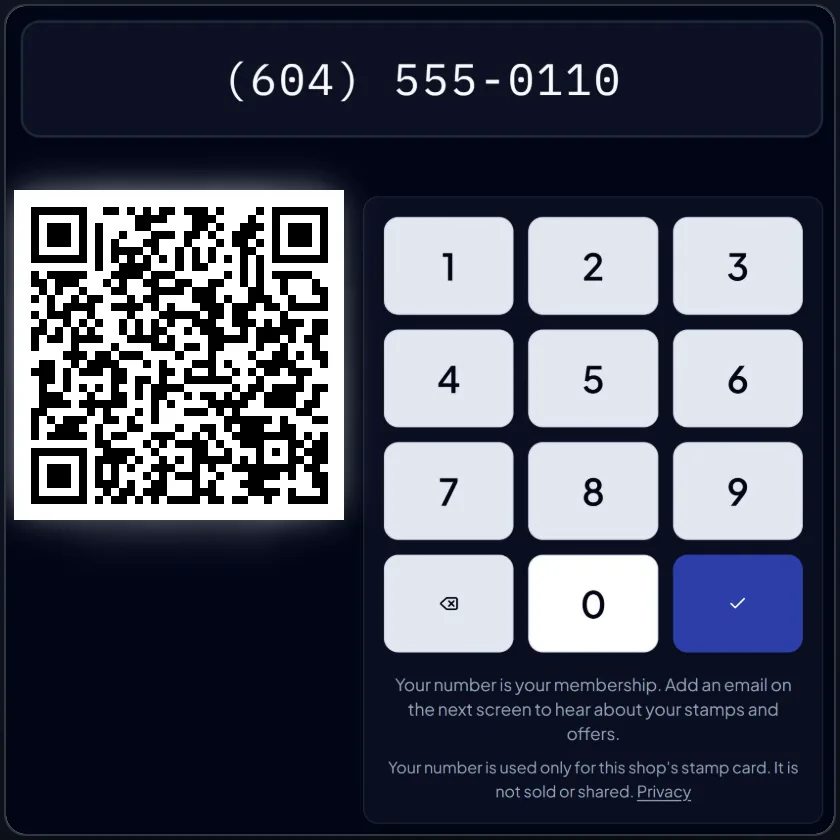
Print a small sign with a QR code. The customer points their phone camera at it, types their number and joins. It works well when the customer is already looking at the counter. Put the sign where they stand while they wait for the card machine.
2. A tablet, or an old phone, on the counter
Leave a tablet at the register with a simple join screen. Customers type their own number, which is faster than telling you and avoids typing mistakes. It also lets you keep serving the next customer.
3. You type it at the register
For shops with a quick pace, or customers who do not like touching a screen, ask for the number and type it yourself. Say it back to them. A wrong digit is a lost customer.
Whichever you choose, say one plain sentence every time: "Want a stamp card? Just your number, no app." Asking the same way every time is what turns it into a habit for you and for your staff.
How to ask permission to email
A phone number for a stamp card and an email address for offers are two different yeses. Keep them apart.
- Ask for email only if the customer ticks a box. Do not tick it for them.
- Say what they will get and how often: "one email a month, with news and a small offer."
- Make it easy to stop. Put a one-click unsubscribe in every marketing email.
- Name your shop as the sender, and put your shop's address at the bottom.
- Do not send marketing email late at night.
Rules about marketing messages differ from country to country, and between email and text message, so check what applies where you trade. If you are unsure, send less and ask more clearly.
KANJIN (kanjin.app) builds this in. Its customer email works in every country on the same consent-first basis: a box the customer ticks, a one-click unsubscribe, no marketing email from 21:00 to 08:00 on the shop's clock, and caps on how often a shop can send. You do not have to remember the rules each time.
A simple way to get your first 50 names
Fifty is a useful number: enough to see patterns, small enough to do in a few weeks.
- Day 1: Put the sign on the counter. Tell your staff the one sentence to say.
- Week 1: Ask every customer, not just the friendly ones.
- Week 2: Check the list. Fix typing mistakes. Notice who has been in twice.
- Week 3: Send your first message to the people who ticked the email box. Keep it short and useful.
- Week 4: Look at who came back. That is your first real regulars list.
You do not need to hit fifty exactly. The point is the habit of asking, every day, in the same words.
What to do with the list once you have it
A list you never use is a list you stop building. Start with three small, useful things.
- Say thank you after a visit. A stamp on the card is a thank-you that costs nothing.
- Tell people when something changes. A new item, a holiday closing, a new opening hour. A short email reaches people a post may never reach.
- Notice who has gone quiet. Someone who came every week and has not been in for a month is worth a friendly message.
Do not send an email every time you think of something. Customers who feel spammed unsubscribe, or worse, report you.
Paper, a spreadsheet or an app?
All three work. They differ in what happens after the first month.
| Paper cards | A spreadsheet | A free stamp card app | |
|---|---|---|---|
| Cost | The cost of printing | Free | Free to start |
| Setup | Minutes | An hour | Minutes |
| Customers lose it | Often | No | No, it is their phone number |
| You can search it | No | Yes | Yes |
| You can email from it | No | With effort | Yes, with the tick box |
| Works if you change your POS | Yes | Yes | Yes, if it is kept apart from the POS |
If you want to start this afternoon with no account, the free Stamp Card Maker prints four punch cards and a counter poster. It is a good way to test whether your customers will join in at all.
How KANJIN does it, free
KANJIN (kanjin.app) is a free stamp card and back office for cafes, salons, barbershops, restaurants, bakeries and other small shops. The parts that matter here:
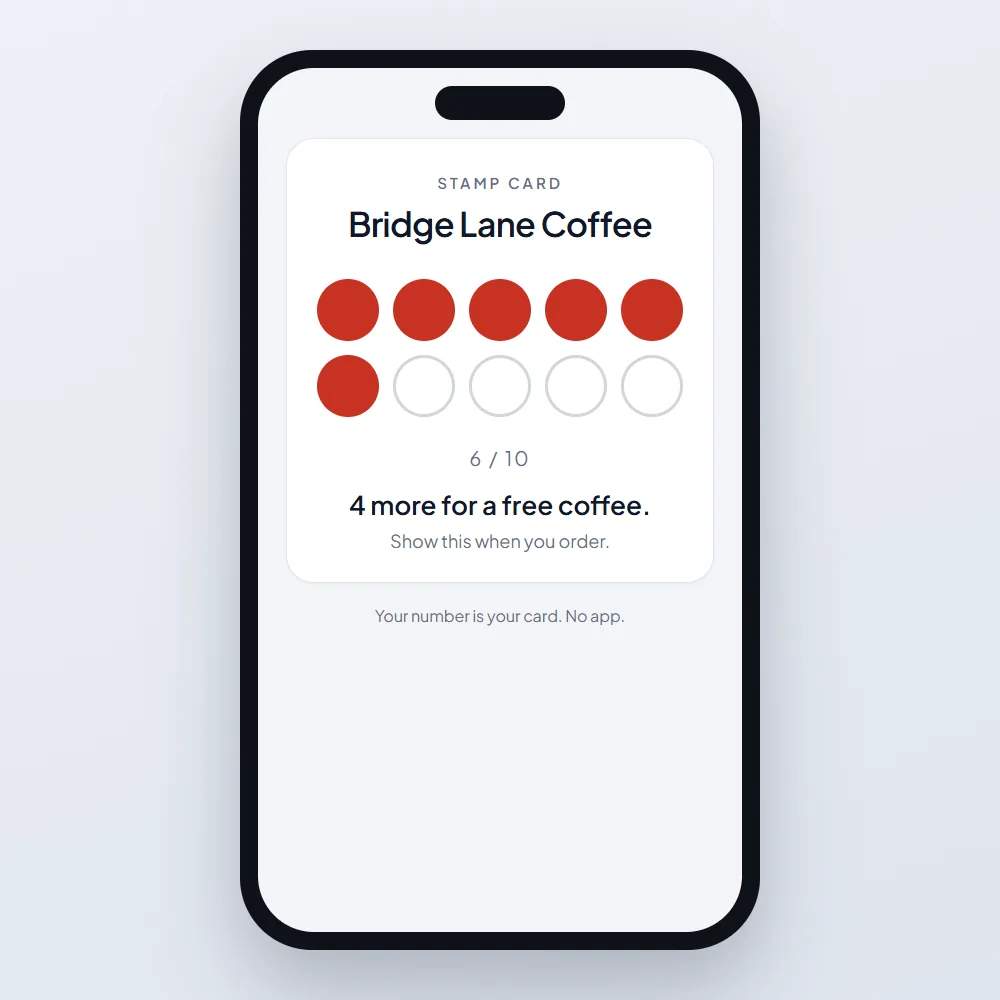
- The stamp card is free for any number of customers. Customers join with a phone number. There is no app for them to download.
- Customers can join three ways: scan a QR code, type their number on a tablet, or you type it at the register.
- The list is yours, held in your KANJIN account and separate from your POS, so it does not matter if you have no POS, or if you change it later.
- On the free plan, you can email up to 150 customers who ticked the box, with one email a month, and send 20 review requests a month. The paid plan, USD 39 a month, raises these limits.
Common mistakes
- Asking only the customers you like. Ask everyone. The one you didn't expect becomes your regular.
- Starting with a long form. One field. The rest can wait.
- Ticking the email box for them. It gets you more names and fewer customers who read the emails.
- Keeping the list in one person's phone. When that person leaves, so does the list.
- Emailing on day one. Build for two or three weeks, then send something short and useful.
Frequently asked questions
How do I start a customer list for a small shop? Collect a phone number from every customer, at the moment they get something back, such as a stamp. Ask them to tick a box if you may email them. Keep the list in your own account, not inside your POS.
What information should a small shop collect from customers? Start with a mobile phone number, and a first name if they offer it. Ask for an email only with a box the customer ticks. Do not collect anything you have no plan to use this month.
Can I collect customer details without a POS system? Yes. A QR code sign, a tablet at the counter or you typing at the register all work with no POS. KANJIN's free stamp card needs no POS, no website and no app for customers.
Do I need permission to email my customers? In most places, yes. A phone number given for a stamp card is not permission to send marketing email. Ask separately with a box the customer ticks, say how often you will email, and give a one-click way to stop. Rules differ by country, so check where you trade.
How many names do I need before it is worth emailing? Even a small list of regulars is worth a short, useful message. Start with the people who ticked the box and keep it to one email a month at first.
Your next step
Today, put one sentence on your counter and in your staff's mouths: "Want a stamp card? Just your number, no app." Then pick a way to collect it.
To print a paper card this afternoon, use the free Stamp Card Maker. To keep the list, search it and email the customers who agreed, create your free KANJIN account.